How to Check TSA Wait Times at Dallas Airports
Check live TSA wait times at Dallas airports, learn peak hours, and use apps, TSA PreCheck or CLEAR to reduce security delays.
Want to save time at Dallas airports? Checking TSA wait times is your best move. Both DFW International and Dallas Love Field provide tools to help you avoid long lines and plan your arrival more efficiently. Here's how you can quickly check wait times and breeze through security:
- DFW International Airport: Visit their official website for live, checkpoint-specific wait times. Use the interactive map to compare lines across terminals and find TSA PreCheck or CLEAR lanes.
- Dallas Love Field: The airport's site offers real-time estimates for its central security checkpoint, including standard and TSA PreCheck lanes.
- Mobile Apps: Download the MyTSA app or other travel apps for live updates, notifications, and historical trends.
- Timing Tips: Avoid peak hours like 5:00–9:00 AM and 4:00–7:00 PM. Arrive 90 minutes early for domestic flights or 2–3 hours for international ones.
- Programs for Faster Screening: Enroll in TSA PreCheck or CLEAR to speed up your security process.
DFW Airport: How long are security lines?
Check Official Airport Websites
When it comes to finding the most accurate TSA wait times, your best bet is to head straight to the source: the official airport websites. Both DFW International and Dallas Love Field provide online security updates, and DFW goes a step further by offering live, checkpoint-specific wait times that refresh throughout the day. These tools give you a real-time snapshot of each security lane, helping you plan your trip to the airport and decide which checkpoint to use.
While third-party apps often rely on historical or crowdsourced data, official airport sites pull their numbers directly from airport and TSA systems. This means the information you see is as current as it gets. However, keep in mind that these wait times are estimates and can change quickly due to unexpected passenger surges, staffing adjustments, or operational hiccups. To stay ahead, check the official site shortly before leaving home and again while en route. These resources work well alongside other TSA wait time tools discussed later in this guide.
DFW International Airport
DFW's official website is a great resource for checking live TSA wait times. Head to the Security section, which is accessible through the main menu or under Traveler Info. Once there, you'll find an interactive map that highlights all the security checkpoints across DFW's five terminals. Clicking on a checkpoint icon reveals its current wait time.
This level of detail is especially useful at DFW, where each terminal has multiple checkpoints. For example, if you're flying out of Terminal D, you can compare wait times between checkpoints within that terminal and head to the one with the shortest line. The map also shows which checkpoints offer TSA PreCheck (available in Terminals A, C, D, and E) and CLEAR (located at Terminal E18), making it easier for program members to find their quickest option.
To get the most accurate picture, check the map the evening before your flight and again 1–2 hours before heading to the airport. If you're flexible about which checkpoint you use - and your airline allows you to connect airside - you can even opt for a checkpoint in a different terminal if it has a much shorter wait. Just be sure to refresh the page during peak travel times, like early mornings or busy holiday seasons, when lines can grow unexpectedly.
Dallas Love Field
For Dallas Love Field, the official airport website also provides live TSA wait times. Look for a link labeled Security, TSA, or Security Wait Times, typically found under a Travelers or At the Airport menu. Since Love Field has a central checkpoint, the site displays wait time estimates for the main security area, with separate updates for standard lanes and TSA PreCheck lanes, when applicable.
The site offers real-time updates on current conditions. For instance, if the standard lane shows a wait time of more than 20–30 minutes, you might decide to arrive earlier to avoid last-minute stress. If you’re a TSA PreCheck member, the lane-specific information can reassure you that your line is moving faster, allowing you to plan your arrival closer to departure time. However, it’s important to treat these times as guidelines, not guarantees. Both the airport and TSA recommend arriving at least 90 minutes before domestic flights, as wait times can shift unexpectedly due to weather, flight delays, or sudden spikes in passenger numbers.
Use Mobile Apps for Real-Time Updates
Mobile apps make it easy to stay updated on TSA wait times, delivering the latest information straight to your phone. Unlike static websites, these apps can send push notifications when wait times change, and many use your location to show the most relevant checkpoint data automatically.
The biggest perk of using mobile apps is their convenience. Whether you're in your car, the parking lot, or walking through the terminal, you can quickly check for updates. Many of these apps also combine TSA wait times with other essential travel details, such as flight statuses, gate changes, and terminal maps, giving you everything you need in one place. These tools work alongside official websites, offering flexibility and continuous updates as you navigate the Dallas airports.
Travel Apps with TSA Wait Time Data
Mobile apps are a dynamic option for real-time TSA updates, complementing official websites. One of the most trusted options is the MyTSA app from the Transportation Security Administration. This app provides wait time estimates for U.S. airports, including DFW and Dallas Love Field. It uses historical data and live, user-reported updates to show whether conditions are "standard", "busy", or "very busy", helping you gauge what to expect.
In addition to MyTSA, several third-party travel and flight-tracking apps also offer TSA wait time data for Dallas airports. These apps often pull data from multiple sources, such as airport systems, crowdsourced reports, and flight records, to generate accurate estimates. For example, some apps display current wait times for DFW's security checkpoints and Love Field's main lanes, along with hourly forecasts and recommendations for the best times to arrive.
To maximize these apps, enable notifications and location services. This allows the app to send you real-time alerts and display location-specific data when you're near DFW or Dallas Love Field. Some apps even let you link your flight details, so alerts are tailored to your specific terminal and departure.
What to Look for in TSA Tracking Apps
When choosing a TSA tracking app, keep these features in mind:
- Precise Updates: Look for apps that provide live, minute-by-minute estimates instead of vague terms like "busy" or "normal." Regularly refreshed data gives a clearer picture of current conditions.
- Checkpoint-Specific Data: At larger airports like DFW, apps that break down wait times by terminal or lane can help you choose the fastest security line.
- Push Notifications: Apps that alert you to changes in wait times allow you to adjust your plans if conditions worsen.
- Flight Integration: Some apps link directly to your flight, notifying you of delays or changes that could impact your schedule.
- Expedited Screening Info: Check if the app provides details on TSA PreCheck or CLEAR lanes, so you know if these faster options are available.
While these apps are incredibly helpful, keep in mind that they provide estimates, not guarantees. Factors like sudden crowd surges or unexpected delays can affect accuracy. For DFW, the airport's official security map often offers more precise, checkpoint-specific live wait times than third-party apps. For Dallas Love Field, third-party estimates are generally reliable but should still be treated as a guide.
As a rule of thumb, plan to arrive at least 90 minutes before domestic flights. Before heading to security, double-check your app or the airport's website for the latest updates, as conditions can change rapidly.
sbb-itb-d0f92e0
Avoid Peak Travel Times
Timing your arrival at Dallas airports with an understanding of peak security hours can save you both time and hassle. At both DFW International Airport and Dallas Love Field, security lines tend to swell during specific departure windows. By knowing when these busy periods occur, you can plan your trip to avoid unnecessary delays.
Security wait times at Dallas airports often vary throughout the day, typically spiking when multiple flights are scheduled to depart close together. The busiest periods generally fall during early morning departures and late afternoon to early evening clusters. On weekdays, wait times can exceed 20 minutes, and during high-demand travel seasons - like summer (June through August), Thanksgiving week, and the December holidays - these peaks can stretch beyond 30 minutes. To stay informed, use the airport websites or TSA tracking apps to check real-time conditions before heading out.
Busiest Times at Dallas Love Field
Dallas Love Field’s security lines are heavily influenced by Southwest Airlines’ tightly scheduled departures. The busiest times here are usually from 5:00 AM to 8:00 AM and 4:00 PM to 7:00 PM. The morning rush coincides with the first wave of flights, while the late afternoon peak aligns with return and connecting flights.
Quieter times at Love Field are typically mid-morning (10:00 AM–12:00 PM) and mid-afternoon (2:00 PM–4:00 PM), when wait times average around 8–10 minutes. For example, if you’re catching a 7:30 AM flight and arrive at 6:00 AM, you could face security lines lasting 20 minutes or more. However, choosing a later flight and arriving closer to departure time often means a shorter wait.
During holiday travel or bad weather, it’s a good idea to check your flight schedule. If your departure coincides with a cluster of other flights, you may encounter heavier security traffic.
Busiest Times at DFW International Airport
With its five-terminal layout, DFW International Airport handles passenger traffic more evenly than Love Field, but it still experiences noticeable peak periods. The busiest times at DFW are during early morning departures (5:00 AM to 9:00 AM) and late afternoon international flight windows (3:00 PM to 7:00 PM).
The morning surge is driven by domestic and connecting flights across multiple terminals, while the afternoon peak is linked to international travel, as passengers often arrive early for long-haul flights. Mid-morning (10:00 AM–11:00 AM) and late afternoon (2:00 PM–3:00 PM) are generally less crowded, with shorter wait times.
DFW offers live updates on security wait times, so you can choose the least congested checkpoint upon arrival. During holiday seasons or peak travel periods, it’s wise to arrive at least 2 hours before domestic flights and 3 hours before international flights. If traveling during peak traffic hours, consider adding an extra 30–60 minutes to your schedule to ensure a stress-free airport experience.
Tips for Faster TSA Screening
Here’s how you can cut down on TSA screening time at Dallas airports and make your travel experience smoother.
Sign Up for TSA PreCheck or CLEAR
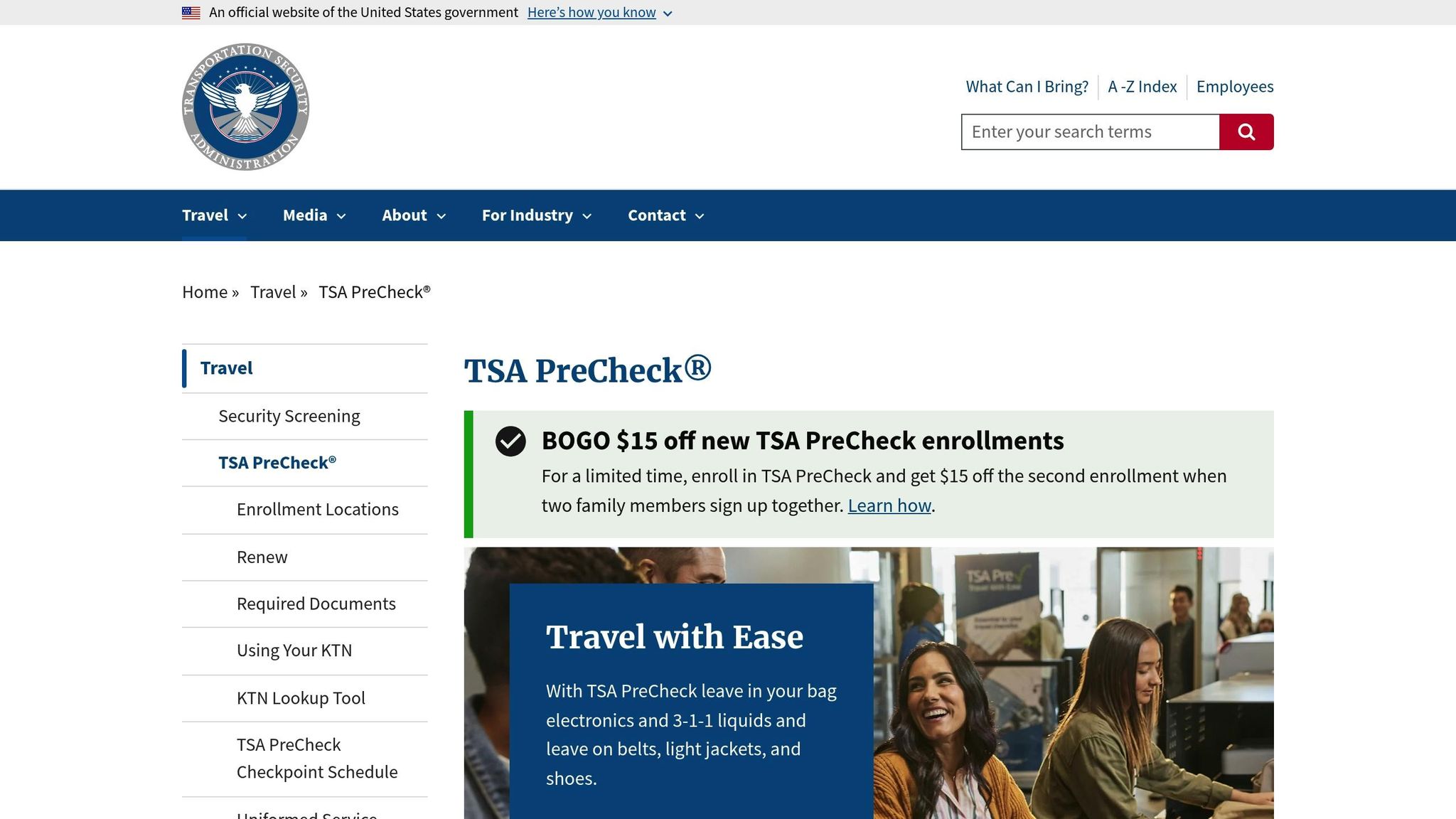
If you want to speed through security lines, TSA PreCheck is a great option. This program gives you access to special lanes where you can leave your shoes, light jacket, and belt on, and keep your laptop and liquids in your bag. While regular lines can take 20–30 minutes during peak hours, TSA PreCheck often reduces this to about 10 minutes.
At Dallas-Fort Worth International Airport (DFW), PreCheck lanes are available in Terminals A, C, D, and E. At Dallas Love Field, you’ll find them at the main terminal checkpoint, operating daily from 4:00 AM to 8:00 PM. Signing up is straightforward: fill out an online application, schedule a quick in-person appointment for fingerprinting and ID verification, and wait for conditional approval, which usually takes a few days to a few weeks. The cost? Around $78–$85 for five years (that’s about $16–$17 per year), and many travel credit cards or airline loyalty programs will cover this fee for you.
For an even faster option, CLEAR uses biometric verification to skip the ID check entirely, taking you straight to the physical screening area. At DFW, CLEAR services are available at Terminal E18, with enrollment centers at E8, E16, and E18. Dallas Love Field offers CLEAR+ at its main terminal checkpoint, with on-site enrollment available Sunday through Friday from 4:30 AM to 9:00 PM and Saturday until 8:00 PM. Although CLEAR is generally pricier than TSA PreCheck, discounts through credit cards or airline partnerships can help bring down the cost. When combined, CLEAR and TSA PreCheck can get you through security in as little as 10–15 minutes, even during busy travel times.
Once you’re enrolled, the next step is timing your arrival wisely.
Arrive Early and Check Updates
Even with expedited screening, timing is everything. For domestic flights, aim to arrive at least 2 hours early, and for international trips, give yourself 3 hours. This allows time for check-in, bag drop, and security screening. If you’re only using standard screening, consider arriving even earlier, especially during peak times like mornings (6:00–9:00 AM) or late afternoons and evenings. TSA PreCheck users may shave off 15–30 minutes from their arrival time, but it’s still a good idea to leave about 90 minutes for domestic flights.
To minimize surprises, use real-time TSA wait time tools before heading out. These tools often combine historical data, staffing schedules, and crowdsourced updates to give you live or predicted wait times. For instance, DFW’s website provides live checkpoint updates by terminal, helping you pick the quickest route.
Pairing these updates with efficient packing and preparation can make your security process even faster.
Pack Smart and Be Ready
How you pack your carry-on can make or break your security experience. Avoid common mistakes like carrying liquids over 3.4 ounces, forgetting to remove laptops or large electronics when required, or wearing metal accessories that might set off alarms.
Follow TSA’s 3-1-1 liquids rule: pack liquids, gels, and aerosols in containers of 3.4 ounces or less, place them in a single quart-size clear bag, and keep them near the top of your carry-on for easy access. Laptops and full-size tablets should also be easy to remove unless you’re in a TSA PreCheck lane. To save even more time, wear slip-on shoes and avoid bulky metal items.
Cluttered bags often lead to rescans, so organize your carry-on with layers or packing cubes to make inspections quicker. While waiting in line, use the time to empty your pockets of keys, coins, and phones, and remove belts and watches if you’re not in a PreCheck lane. Have your liquids bag and laptop ready to place in bins, and separate electronics, liquids, and footwear into individual bins for faster repacking.
Before reaching the security officer, make sure your boarding pass and photo ID are ready. Adults 18 and older need to present a valid TSA-approved ID, such as a state-issued driver’s license, U.S. passport, passport card, or military ID. With REAL ID enforcement, check for a star or similar marking on your license or use an alternative form of ID if necessary. Having a digital boarding pass preloaded on your phone or a printed copy on hand can also help avoid delays.
Conclusion
Checking TSA wait times before heading to DFW or Dallas Love Field is a quick step that can save you time and reduce stress. Both airports provide reliable tools for this: DFW offers a live checkpoint map, while Dallas Love Field shares wait time estimates. Pair these with mobile apps like MyTSA or your airline's app for real-time updates on the go.
At Dallas Love Field, security wait times generally range from 6 to 15 minutes, but during peak hours - 6–9 AM and 4–7 PM - they can climb to around 20–21 minutes. Meanwhile, DFW displays live wait times for each terminal and checkpoint, helping you choose the fastest security lane. These tools allow you to adjust your schedule and make your airport experience more efficient.
As you check your flight status 30–60 minutes before heading out, take a moment to review current wait times. Combine this with strategies like enrolling in TSA PreCheck or CLEAR for expedited screening, arriving during less busy times when possible, and packing smart to avoid delays at checkpoints. Together, these steps make navigating security faster and more predictable at both Dallas airports.
For frequent travelers flying out of Dallas, consider using Joe's Flights () to find affordable flight deals from DFW and Love Field. Once you've booked, use TSA wait time tools to plan your airport arrival for a smoother journey.
FAQs
How reliable are TSA wait time estimates from Dallas airport websites compared to third-party apps?
TSA wait time estimates from official Dallas airport websites, like those for DFW and Love Field, are typically dependable since they use real-time data straight from airport operations. That said, third-party apps often add user-reported updates, which can sometimes provide even more up-to-date insights, especially during peak travel times.
To get the clearest idea of potential wait times, it’s a smart move to compare both sources before heading to the airport.
What are the advantages of TSA PreCheck and CLEAR, and how do they work at DFW and Love Field?
TSA PreCheck and CLEAR are two services that can make your security experience much quicker at Dallas airports, including DFW and Love Field. Here's how each works:
TSA PreCheck offers access to expedited security lines, so you can skip the hassle of removing your shoes, belts, or light jackets. Plus, your laptop and liquids can stay in your bag. To sign up, you'll need to complete an online application, attend an in-person appointment, and pay $78 for a membership that lasts five years.
CLEAR takes it a step further by using biometric technology - like fingerprint or eye scans - to confirm your identity. This lets you bypass the ID check line entirely. CLEAR costs $189 annually and works even better when paired with TSA PreCheck for an even faster process.
Both services are available at DFW and Love Field, making them excellent time-saving options for frequent flyers.
How can I use mobile apps to check TSA wait times and plan my trip more efficiently?
You can keep track of TSA security wait times at Dallas airports (DFW and Love Field) with the help of mobile apps. Many airline and airport service apps provide real-time updates on how long security lines are. Just look up your airport in the app, check the TSA wait time feature, and plan your arrival around the current conditions.
To make things even easier, turn on app notifications so you’ll get timely updates as conditions change. Knowing what to expect at security can save you time and reduce the stress of traveling.
Related Blog Posts
Written by Joe's Flights. Spotted something cheaper? Tell us.